Step 1
Start with a photo or idea
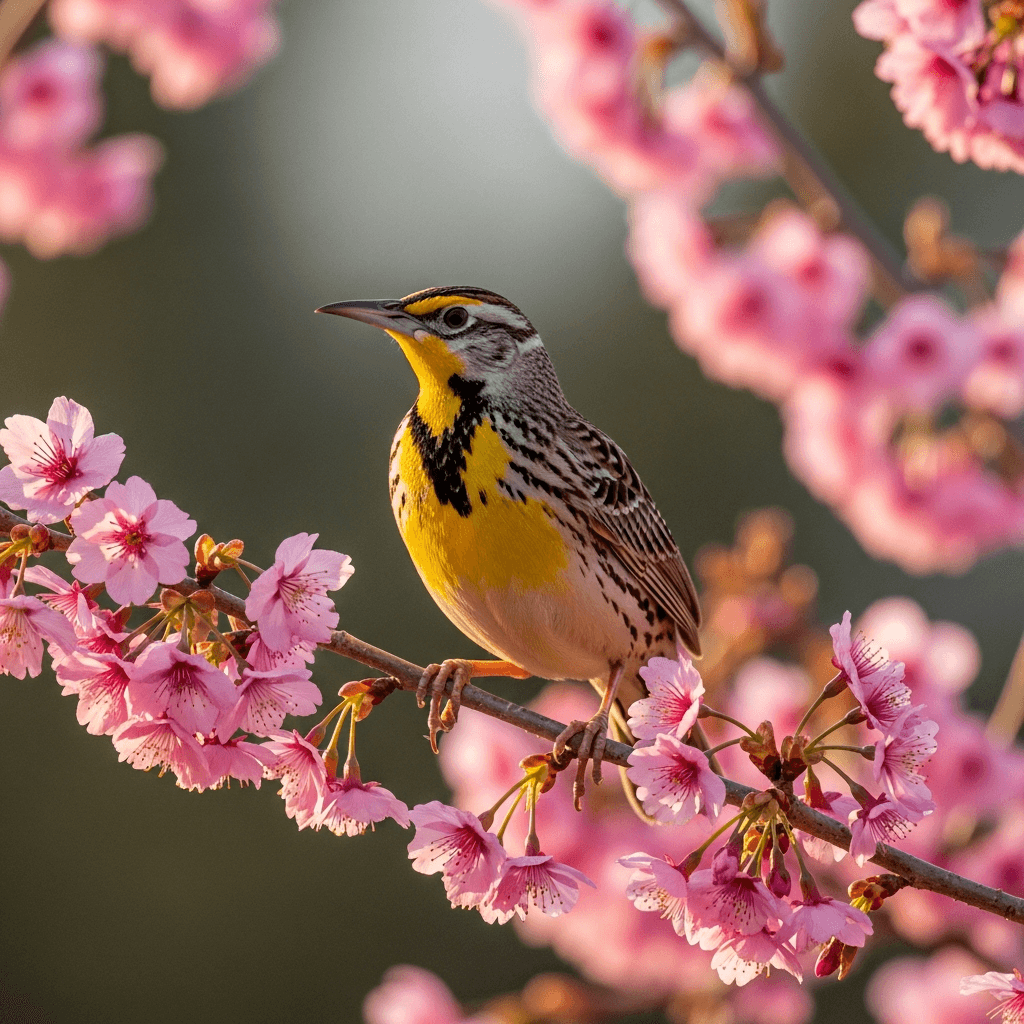
Upload a photo, type a rough concept, and choose practical limits before the first draft is made.
- Photo or typed idea
- Craft, size, and color count stay visible
01

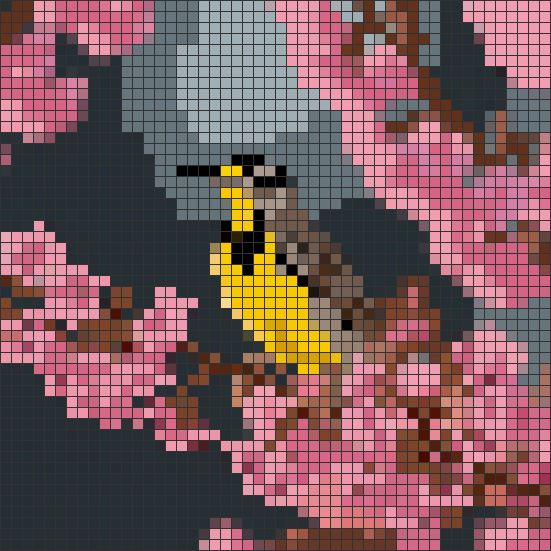
Start in the pattern maker if you already know what you want to stitch. Upload a photo or describe the piece you want to make, and StitchLark builds the first draft, maps the DMC colors, and leaves you with the cleanup that actually needs a human eye.
Product demo
From first draft to printable chart, StitchLark keeps the technical work visible enough to trust and simple enough to edit.
Step 1
Upload a photo, type a rough concept, and choose practical limits before the first draft is made.
Step 2
Check the generated grid, dimensions, and palette before you decide whether the draft is worth editing.

Step 3
Use the editor to merge noisy stitches, swap thread colors, and fix the parts that need a crafter's eye.

Step 4
Download a chart packet with color pages, black-and-white symbols, and a floss legend for stitching away from the screen.

The hero starts the job. This walkthrough shows what happens after the first draft: review, cleanup, and export.
Start your first pattern ->Go from idea to printable chart without bouncing between a converter, a spreadsheet, and an old editor.
Upload a photo and get a usable first draft. StitchLark reduces the colors, assigns symbols, and gives you a chart you can clean up instead of starting from zero.
No photo? Type the idea. Good for gift concepts, quick experiments, or starting a chart before you know every detail.
Fix the parts the first draft missed. Draw, erase, fill, and swap colors without fighting an old desktop app.
Every color maps to a real DMC number, so you can buy thread without squinting at a screen and hoping you guessed right.
Download a stitch-first PDF packet with color and black-and-white symbol charts, a floss legend, and large-print pages when you need them.
Save the chart, come back later, and keep iterating instead of exporting a file and losing track of it.
A lot of older pattern tools still work, but they make you do the slow parts by hand. StitchLark cuts out the setup work so you can spend your time fixing the parts that actually matter.
Want the detailed head-to-head view? See how StitchLark compares →
| Feature | StitchLark | Other tools |
|---|---|---|
| Photo to pattern | ✓ | — |
| Text to pattern | ✓ | — |
| Grid editor | ✓ | ✓ |
| DMC thread codes | ✓ | ✓ |
| PDF export | ✓ | ✓ |
| Modern UI | ✓ | — |
| Free tier | ✓ | ✓ |
Start with the free tier. Pay only if it earns a place in your workflow.
$0
$4 / month
billed annually at $48/yr, or $6/mo monthly
If you already know what you want to make, go straight to the generator. If you are still deciding, browse sample charts first and come back when you are ready.